·
2 min read
4chems vs. "Just Another IUCLID Platform": How We Think About AI and Cloud Risk
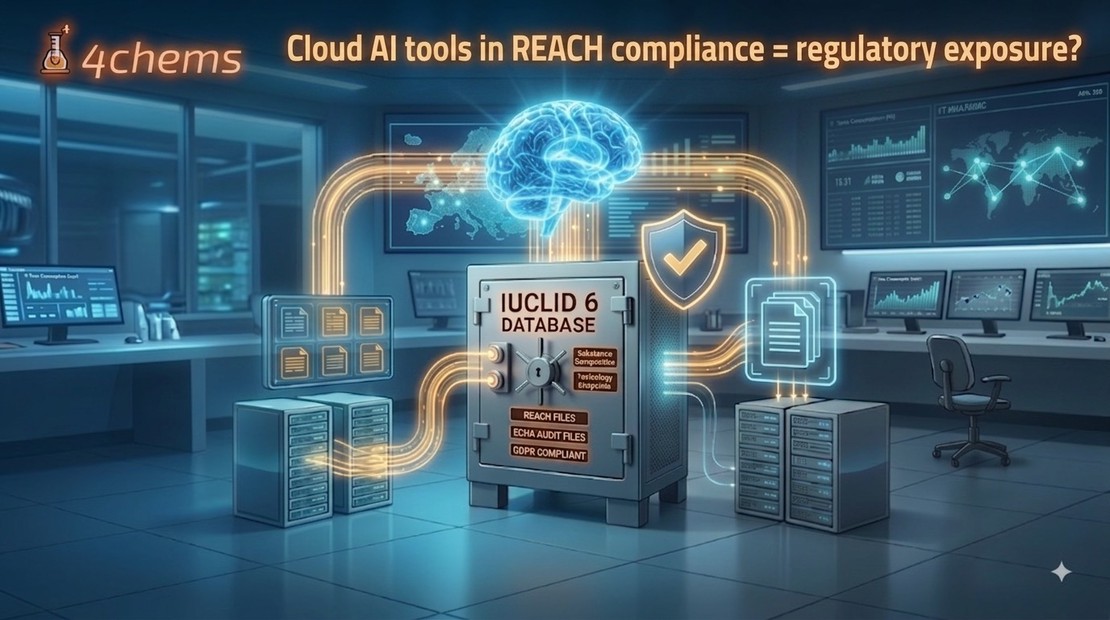
The debate around cloud and AI tools in REACH compliance usually revolves around one word: risk.
Read More →Have questions? We're here to help.
Moving from an on-premise IUCLID server to managed cloud hosting? Here is the full migration path — export, validation, import — with zero data loss and minimal downtime.

Have questions? We're here to help.
Running IUCLID on your own server made sense when you started. But on-premise installations quietly accumulate cost: Java and database maintenance, manual ECHA upgrades 2–4 times a year, backup management, and the risk of falling behind the current format right before a submission deadline. Moving to managed cloud hosting removes that burden — and a clean migration loses none of your data. Here is the path we use.
Know what you are moving. Take stock of:
IUCLID’s built-in export produces portable .i6z archives. We export your full data set — entities, dossiers, attachments, and reference data — rather than cherry-picking, so nothing is left behind.
Before anything is imported, we verify completeness and integrity: entity counts, attachment resolution, and dataset structure. This is the step that turns “we think it copied” into “we know it copied.”
We provision a dedicated IUCLID environment on the latest ECHA release. Because the target is current, the import also acts as a free version upgrade — you land on the newest format instead of carrying an old one forward.
We import the validated archive, then reconcile against the pre-migration inventory: every substance, dossier, and user accounted for. Discrepancies are resolved before go-live, not after.
You log in, confirm your data looks right in a real session, and we schedule the cut-over for minimal disruption. The old server can stay read-only as a safety net until you are confident.
Once you are hosted, the recurring pain disappears:
And because IUCLID, CHESAR, QSAR Toolbox, and the IIP run in the same integrated environment on 4chems.com, data flows between them without manual file transfers.
Migrating does not change who owns your data. You remain the data controller; we act solely as a GDPR data processor, on EU-based, ISO 27001-certified infrastructure. You can export or permanently delete everything on request or at contract end.
Ready to scope your migration? Talk to an expert — we will review your current setup and map out a zero-data-loss migration plan.
The debate around cloud and AI tools in REACH compliance usually revolves around one word: risk.
Read More →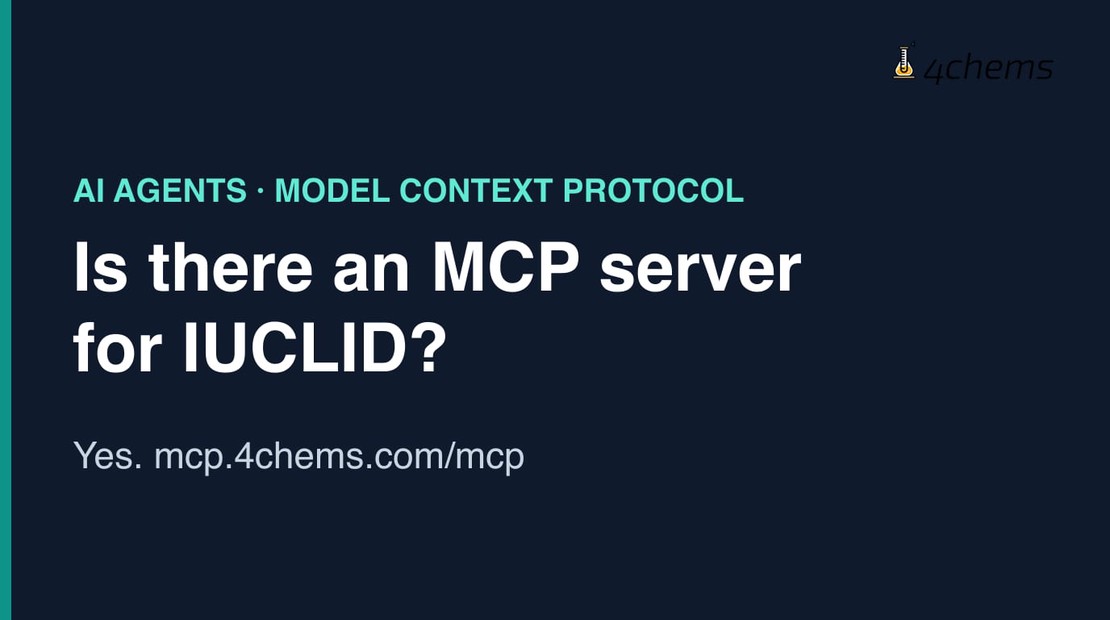
Yes, there is an MCP server for IUCLID. 4chems runs a public, remote
Read More →
K-REACH. KKDİK. UK REACH. Four jurisdictions that looked at EU REACH and built their own version — each with its own …
Read More →